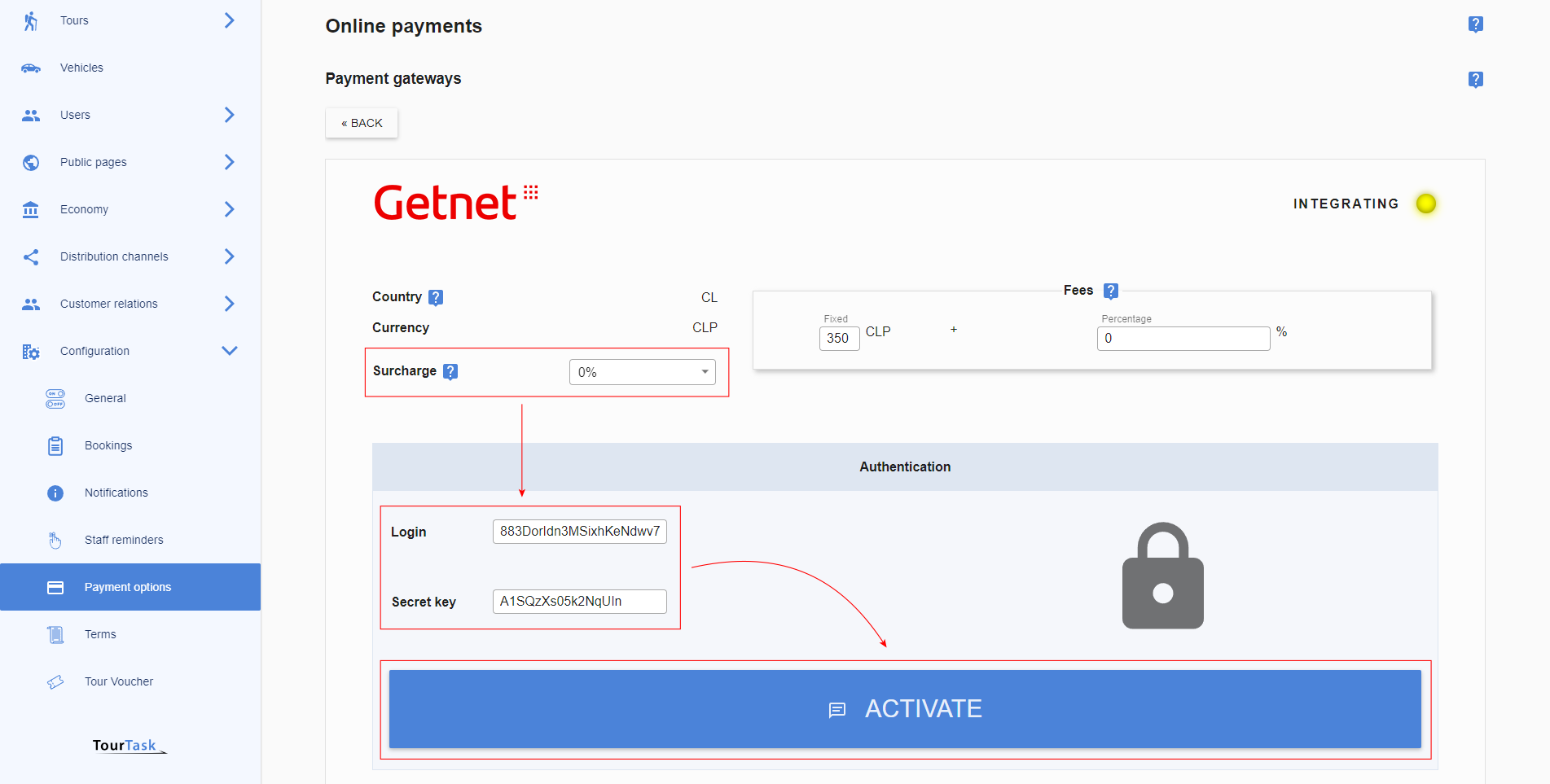

Credit / debit card fees
| {{ feeType.typeTitle }} | ≤{{ feeType.percent }}% + {{ feeType.fixed }} {{ feeType.currencyCode }} + {{ feeType.taxTitle }} |
Countries
This payment gateway is available worldwideCurrencies
Your clients will be charged in one of the following currencies:
Please search online for information on how to obtain the necessary API credentials to complete your integration
How to setup Credit / debit card in TourTask
For Credit / debit card, the following credentials are required:
- API key
- Publishable key
- Webhook secret
These credentials must be entered in TourTask to activate this payment gateway. To achieve this, follow these steps:
- Log into your business panel in TourTask at [business shortcode].tourtask.com. Your business shortcode will often consist of the initials of your business name, so for a business called My Tour Business, the URL of your business panel would be mtb.tourtask.com.
-
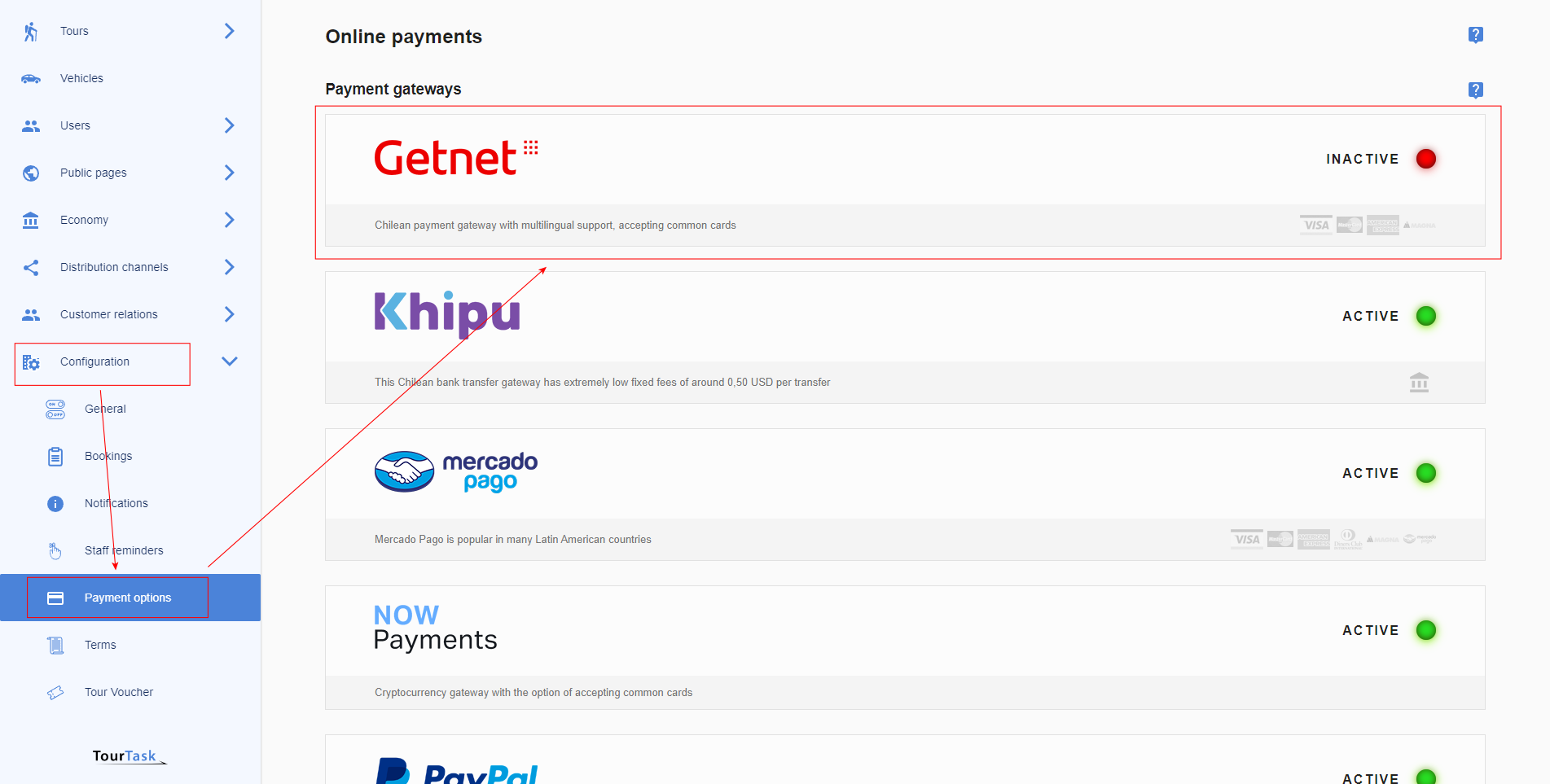
Go to Configuration > Payment Options and select the Credit / debit card payment gateway.
-
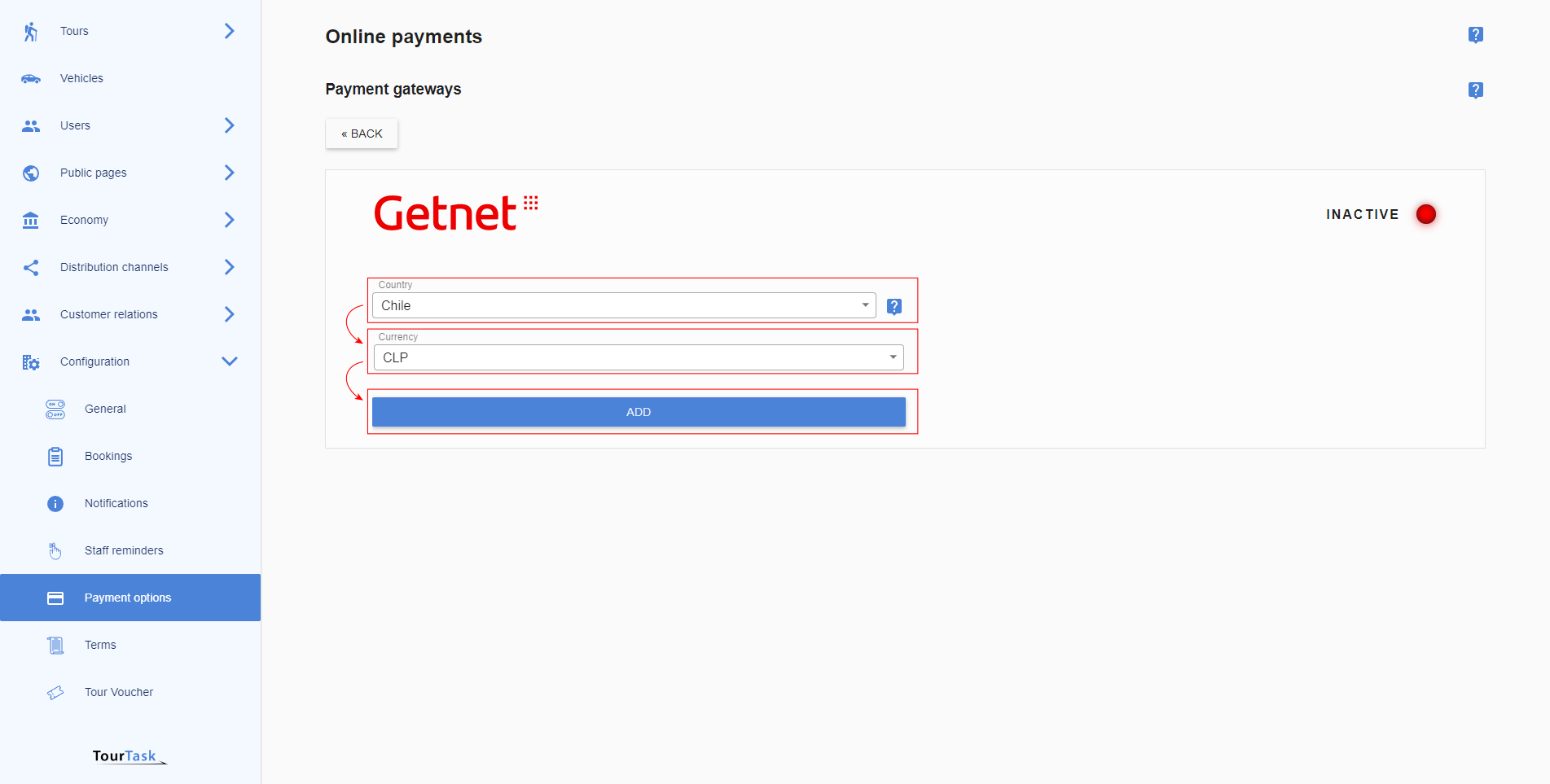
Select currency and add the gateway. Selecting country for Credit / debit card is not necessary.
-
Optionally add a surcharge to cover transaction costs on your side when clients pay using Credit / debit card. Fill out the required credentials and activate the gateway.